
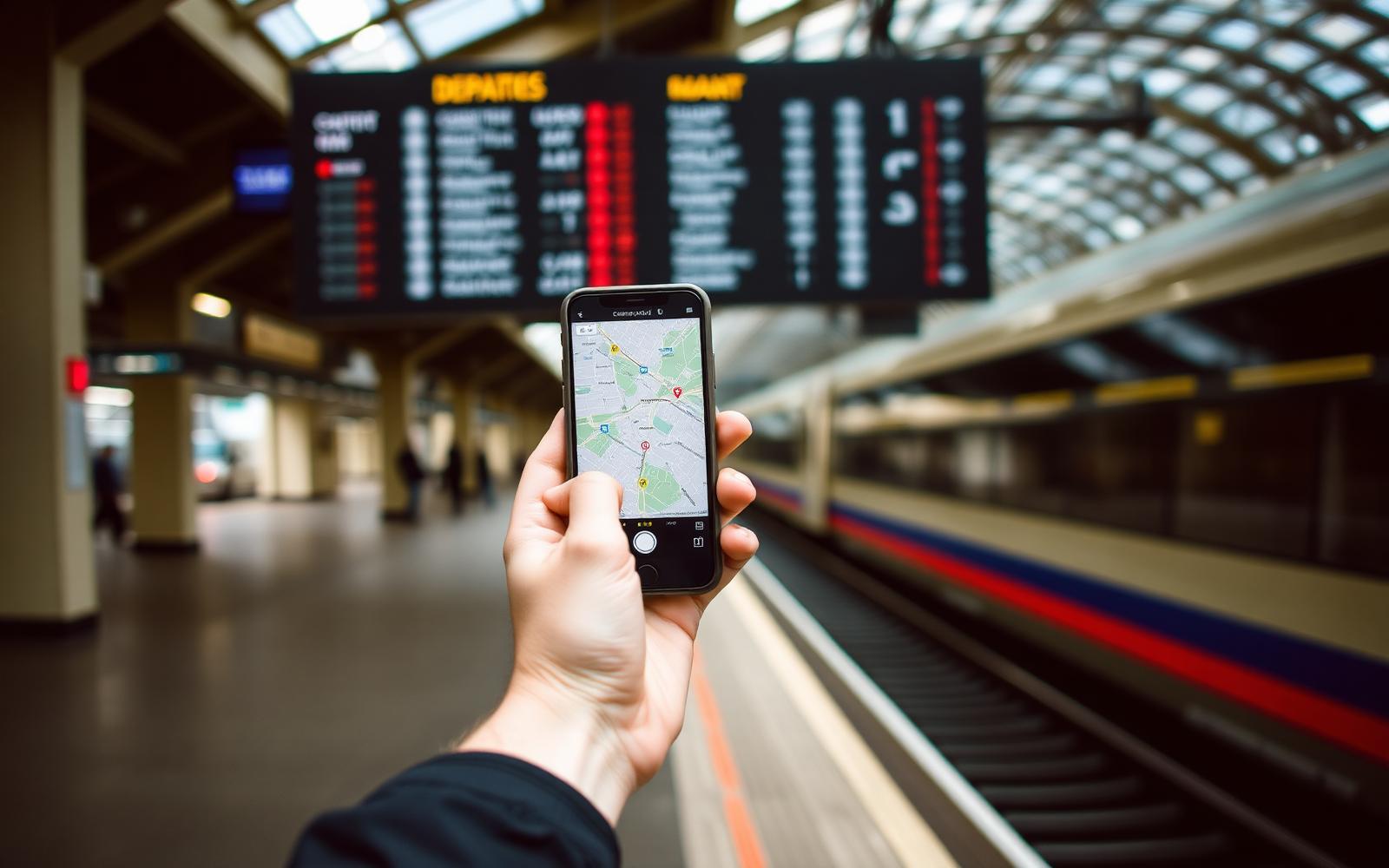
The travel apps that earn their place on a phone, what each one costs, and the ones worth deleting before you fly.
Most travel app lists are affiliate pages with thirty entries. Nobody uses thirty apps. On a normal trip I open six, maybe seven. The rest sit there taking up storage and battery until I delete them at the airport.
This is the working set, why each one stays, and what it costs. Prices are the UK rates in 2026.
Maps and getting around
Google Maps. Free. The single most useful travel app, mostly because of offline maps. Download the city area over hotel wifi before you go out. Saved places with a colour coded list beats any itinerary document.
Maps.me or Organic Maps. Free. Better than Google for hiking paths, rural tracks and small islands where the roads are not mapped properly. Organic Maps has no ads and no account.
Rome2Rio. Free. Answers the question of how you actually get from a small town to an airport when no single operator runs the whole route. It shows buses, ferries and trains together with rough prices.
Citymapper. Free. Only worth having in the forty or so cities it supports, but in those it is better than anything else for buses and metro changes in real time.
Money and cards
Wise. Free account, card £7 once. Holds fifty currencies and converts at the real mid market rate with a fee around 0.45 percent. Withdrawals of up to £200 a month from cash machines carry no Wise fee.
Revolut. Free tier. Useful as a second card kept in a different pocket. Weekend exchange rates carry a surcharge, so convert on weekdays.
Two cards from two different providers is the rule. Cards get blocked, machines eat them, and a single card failure abroad ruins a week.
Accommodation
Booking.com. Free. The widest coverage of small guesthouses outside big cities, and free cancellation on most rooms means you can hold a room while you decide.
Hostelworld. Free. Still the better database for hostels, including their private rooms, which are often cheaper than hotels in the same street.
Agoda. Free. Usually the lowest prices in Southeast Asia specifically. Check it against Booking before you commit.
Data and connection
Airalo. eSIM data, from £4.50 for 1GB regional, £14.50 for 5GB. Install before you fly and you land connected. On a modern phone this replaces the airport SIM counter entirely.
WhatsApp. Free. Not a travel app on paper, but guesthouses, drivers and tour operators in most of the world reply on WhatsApp and ignore email.
Language
Google Translate. Free. Download the language pack for offline use. The camera mode on menus and pharmacy boxes is the feature that matters, not the conversation mode.
Anki or Memrise. Free tier. Twenty words of the local language changes how people treat you. Hello, please, thank you, how much, water, no meat, where is, and the numbers one to ten will carry you through most days.
Flights and trains
Google Flights. Free. Faster and more honest than most comparison sites. Use the calendar view and the price graph rather than a single date search.
Trainline or the national rail app. Free, small booking fees. In Europe the operator app is usually cheaper. Renfe, Trenitalia, OBB and CP all sell advance fares that resellers mark up.
Seat61. Not an app, a website, and still the best source on the internet for long distance train routes. Save it to your home screen.
Safety and admin
Your bank app. Turn on travel notifications and card freezing before you leave.
A password manager. Bitwarden free tier. Logging into a bank from hotel wifi with a reused password is how accounts get taken.
Photos of documents. Store a passport scan, insurance policy and vaccination card in an offline album, not only in the cloud.
Apps to skip
Currency converter apps with adverts. Your phone calculator and one number does the same job.
Itinerary organisers that need every booking forwarded to them. A note with six lines works and never fails offline.
Social apps that drain the battery. On a travel day, battery is a safety item.
What it costs to run
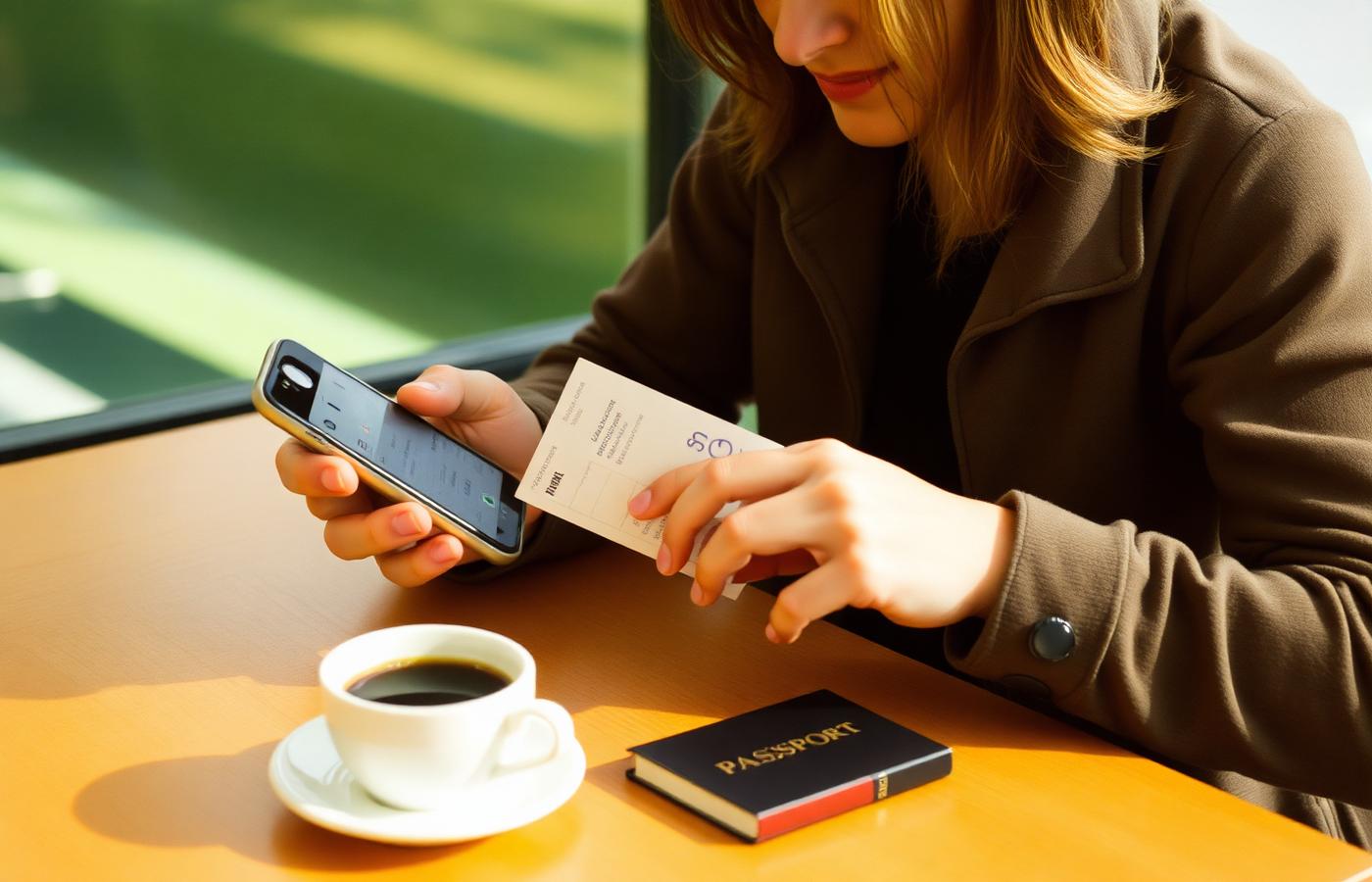
The receipt below shows one month of app spending on a real trip. Almost everything is free. The paid lines are data, music for long bus rides and a VPN for banking on public wifi.
How to set the phone up before you fly
Download offline maps for every city on the route while on wifi.
Install the eSIM at home and label it, then switch it on after landing.
Save the accommodation addresses in the local language as offline notes. Taxi drivers cannot read your booking email.
Turn on low power mode and carry a 10000 mAh battery pack. It costs about £18 and covers two full recharges.
Screenshot your first night booking, the airport transfer route and the emergency numbers. Screenshots work when the network does not.
Battery, storage and the practical setup
Apps are useless on a dead phone. A day of maps, photos and boarding passes drains most phones by four in the afternoon, so carry a 10000 mAh power bank, which weighs about 200 grams and costs around 22 pounds. Turn on low power mode as soon as you leave the accommodation, drop screen brightness, and set maps to keep the screen off while it speaks directions.
Storage runs out faster than battery. Offline maps for one country take 200 MB to 700 MB, and translation packs take another 100 MB each. Clear photos to cloud storage over the accommodation wifi at night rather than over mobile data, and delete downloaded maps for countries you have left.
The five minute daily routine
Every morning, screenshot the address of where you are staying in the local language, check the transport app for strikes or closures, and confirm the day's booking reference is saved offline. Every evening, back up photos, plug in the power bank, and check the card app for anything you do not recognise.
That routine catches most problems while they are still small. A blocked card found at nine at night is an annoyance. The same block found at a supermarket till with a queue behind you is a bad evening. More on that in things nobody tells you before travelling abroad, and the spending side is covered in the travel budget planner.
Frequently asked questions
Do I need an eSIM or a local SIM card? An eSIM is easier and works the moment you land. A local SIM is cheaper for stays over three weeks, especially in Asia where 30GB costs about £6.
Is a VPN necessary for travel? It is worth it if you bank on public wifi or need services blocked in the country you are visiting. Budget £3.50 a month.
Which app finds the cheapest flights? Google Flights for searching, then book direct with the airline. Third party sellers make changes and refunds much harder.
Do offline maps really work with no signal? Yes. Downloaded areas keep search, walking directions and saved pins. Live transport times need data.
What about apps for finding food? Maps reviews sorted by newest, plus the method in the guide on finding authentic local food while travelling, works better than dedicated food apps in most countries.
How do I stop using data by accident? Set a data cap in the phone settings, turn off background app refresh, and disable automatic photo backup until you are on wifi.
Once the phone is sorted, the rest is planning. Start with the step by step international trip guide and the budget travel tips for comfortable cheap trips.